- To confirm you have a good app
- To find out where you're wrong
- Testing is the core of lean startup's build-measure-learn cycle
Basic User Testing
Why User Test?
User Testing Challenge
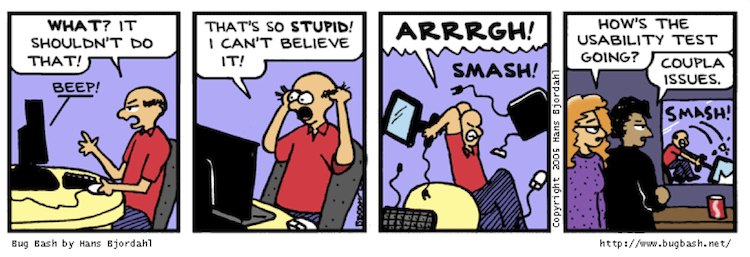
Watch, Don't Ask
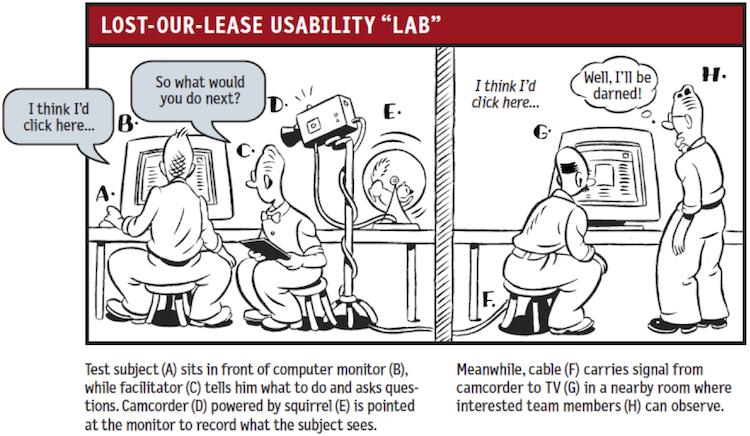
How NOT to user test
- Give a tour of the app
- Ask them to play with the app
- Tell them what to do when they get stuck
Before User Testing
- Have everyone on on the team test every path in the app.
- Remove all buttons or links in the UI that don't do anything yet.
- Prepare written testing materials (slides or paper). See next slide.
User Testing Session
Product box
- The name and category of the app
- E.g., "TeamTime, a rotation timer for mob programming"
- A screenshot showing the app delivering value
- E.g., Panel 3 of your four-panel storyboard.
-
A couple bullet points emphasizing the value of your app.
- Payoffs like "Tap to start, tap to stop, tap to switch!" and "Automatic tracking of everyone's time".
- Not friction like "User can enter enter team member names"
Task Scenarios
- Paper or online slides describing a situation and a goal the user
has to achieve. Give realistic details.
- It's 4:55. You're just finishing a math class in Lunt. Your team is meeting in Tech at 5:30. You're hungry. You'd like to see if any place on campus open right now is serving something vegan.
- Don't give instructions on how to use the app!
Post-test Surveys
- Find out how users perceived your app
- A page of questions at most
- Avoid the "counterfeit yes"
- Get past polite no-cost answers.
- What were the 3 best and worst things about this app?
- What did you expect and not see?
- What was unexpected?
- Would you be willing to test next version?
Who to test
- Users who do the thing your app is supposed to help do better.
- Is your app for beginners? Find beginners.
- Is your app for experts? Find experts.
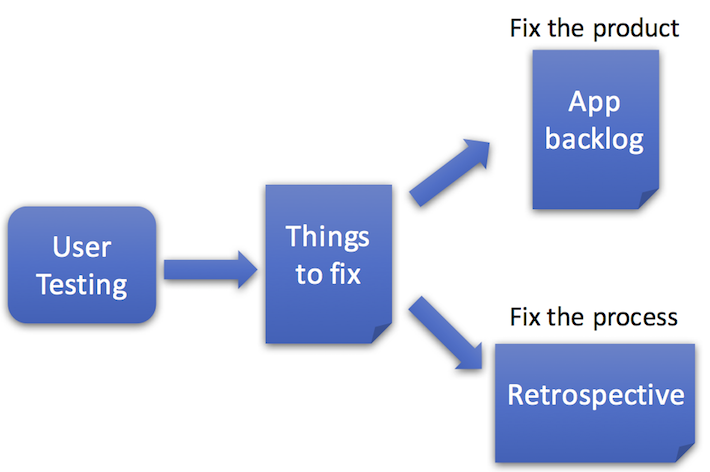
After You Test...
Thanks to Hakim El Hattab for RevealJS:
https://github.com/hakimel/reveal.js/